AI-Powered Real Estate Photo Enhancement
Transform property photos into magazine-quality listings in minutes. HDR, sky replacement, virtual staging, and more — all powered by AI.
10 free credits on signup. No credit card required.
AI Enhancement Features
Drag the slider to see the difference. Everything you need to make every listing photo shine.


HDR Enhancement
Balance exposure across bright windows and dark corners for perfectly lit interiors.
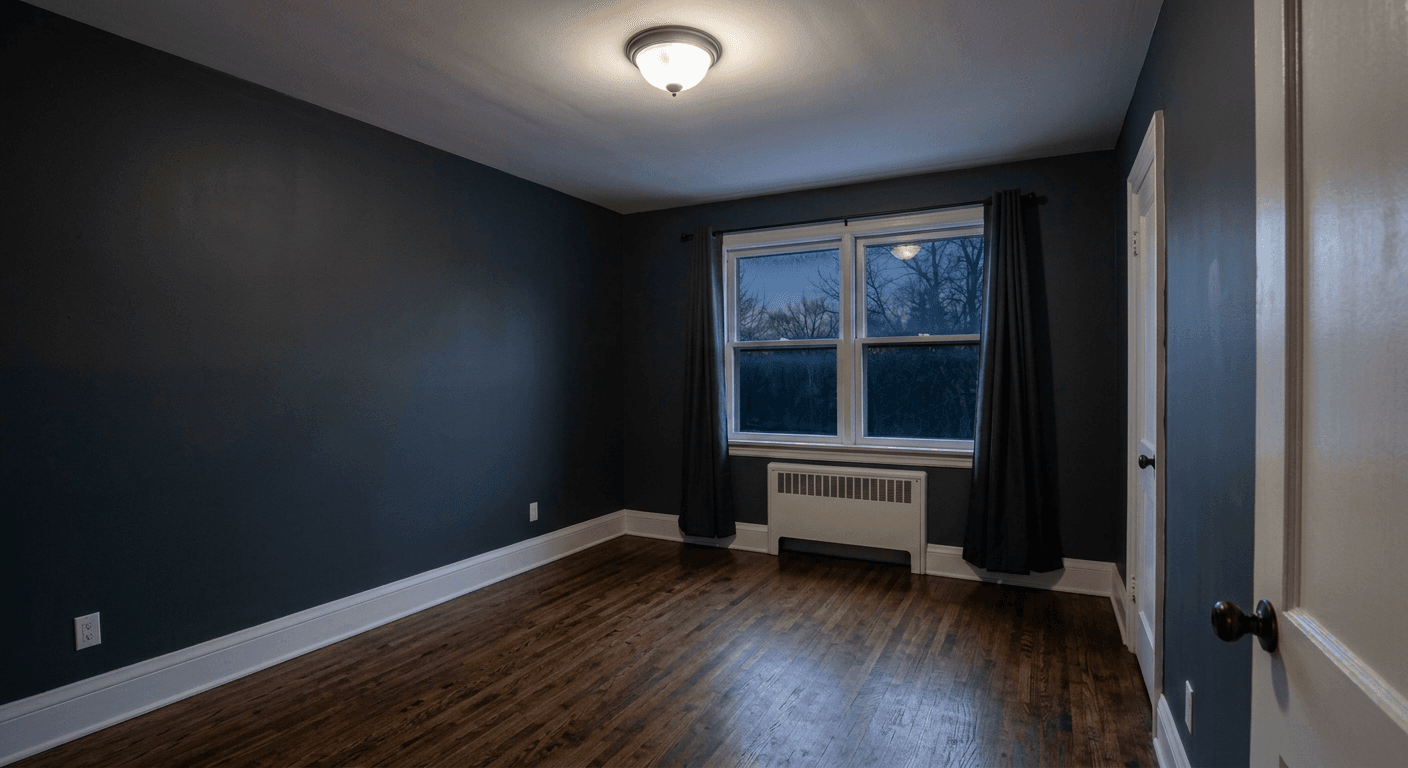

Brightness & Exposure Fix
Intelligently brighten dark rooms and recover detail from shadows and highlights.


Color Correction & White Balance
Fix color casts and white balance for accurate, natural-looking colors.


Sky Replacement
Replace overcast or blown-out skies with a clear blue sky.
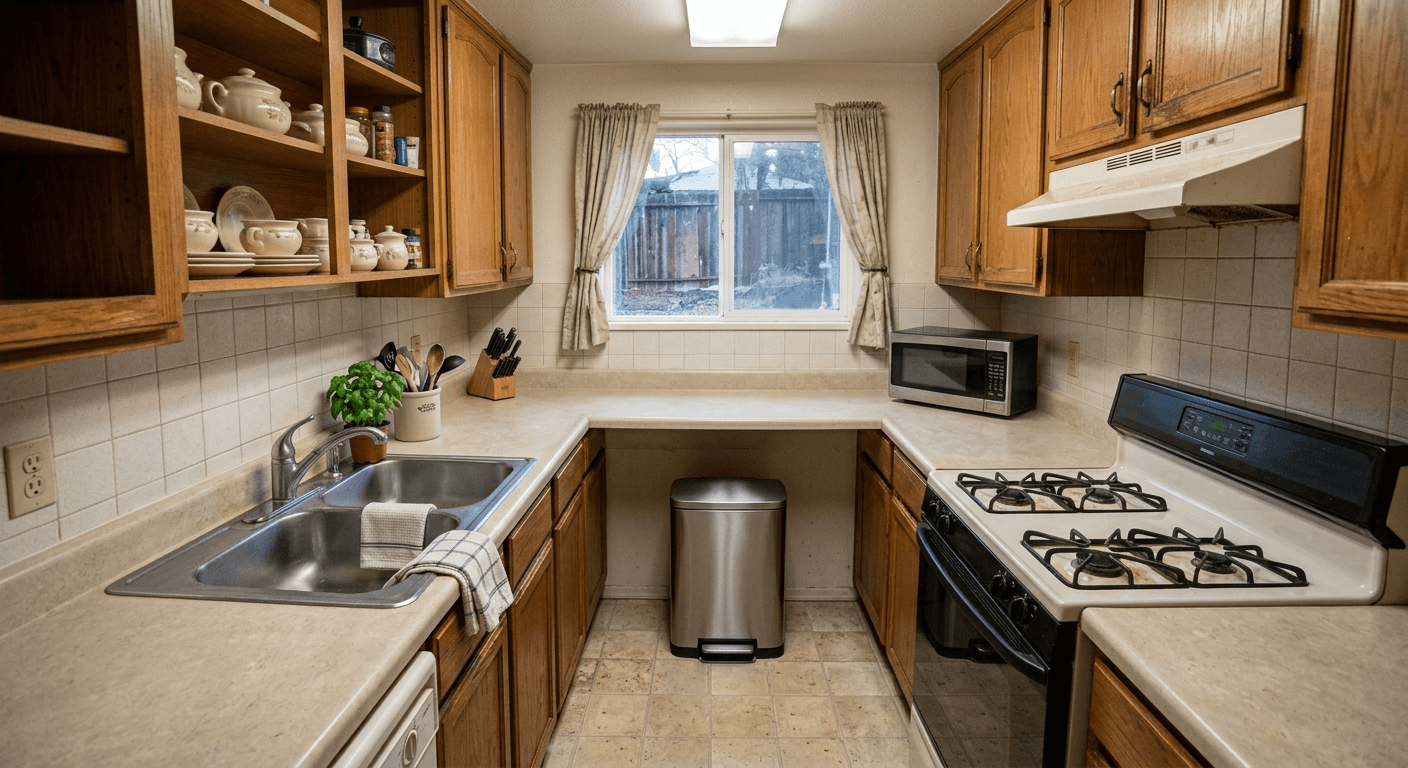

Declutter
Automatically remove personal items, clutter, and visual distractions.
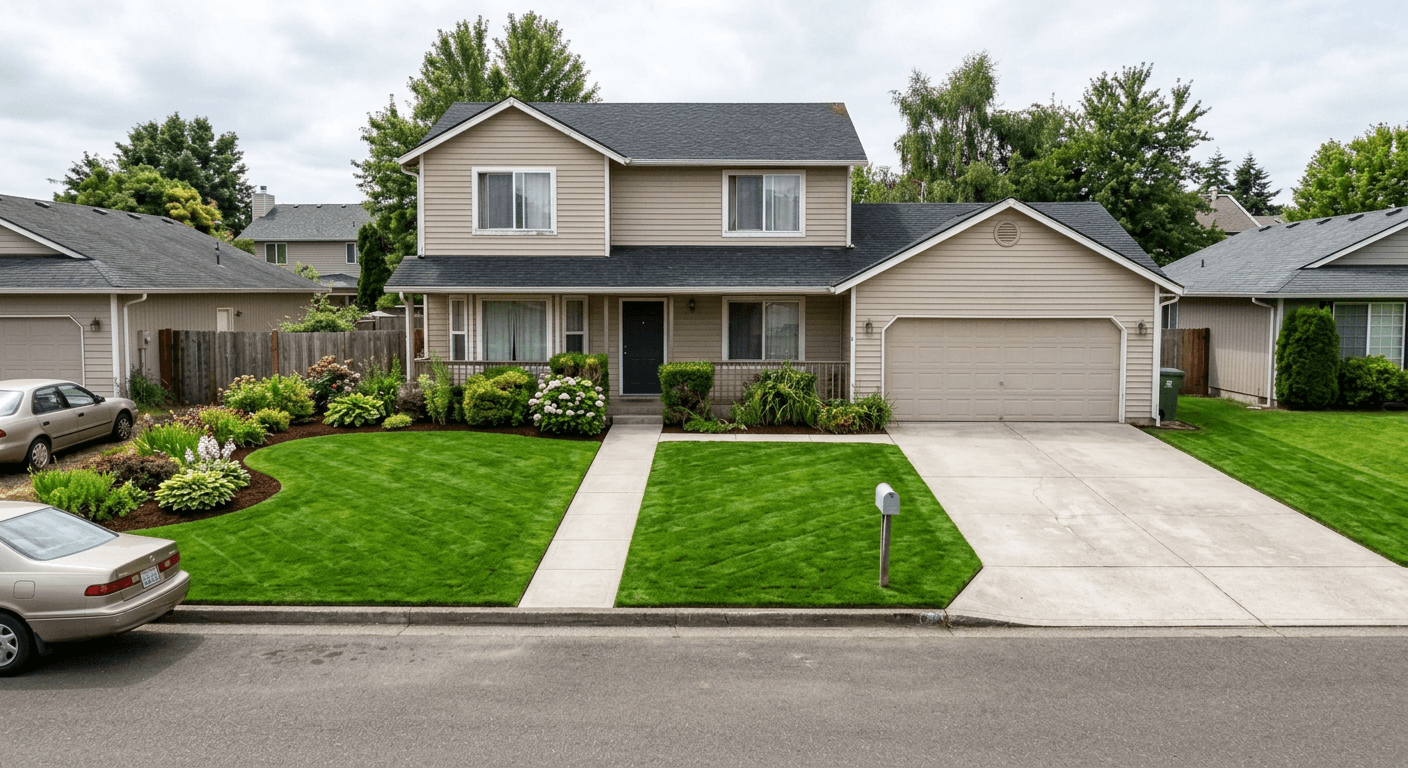
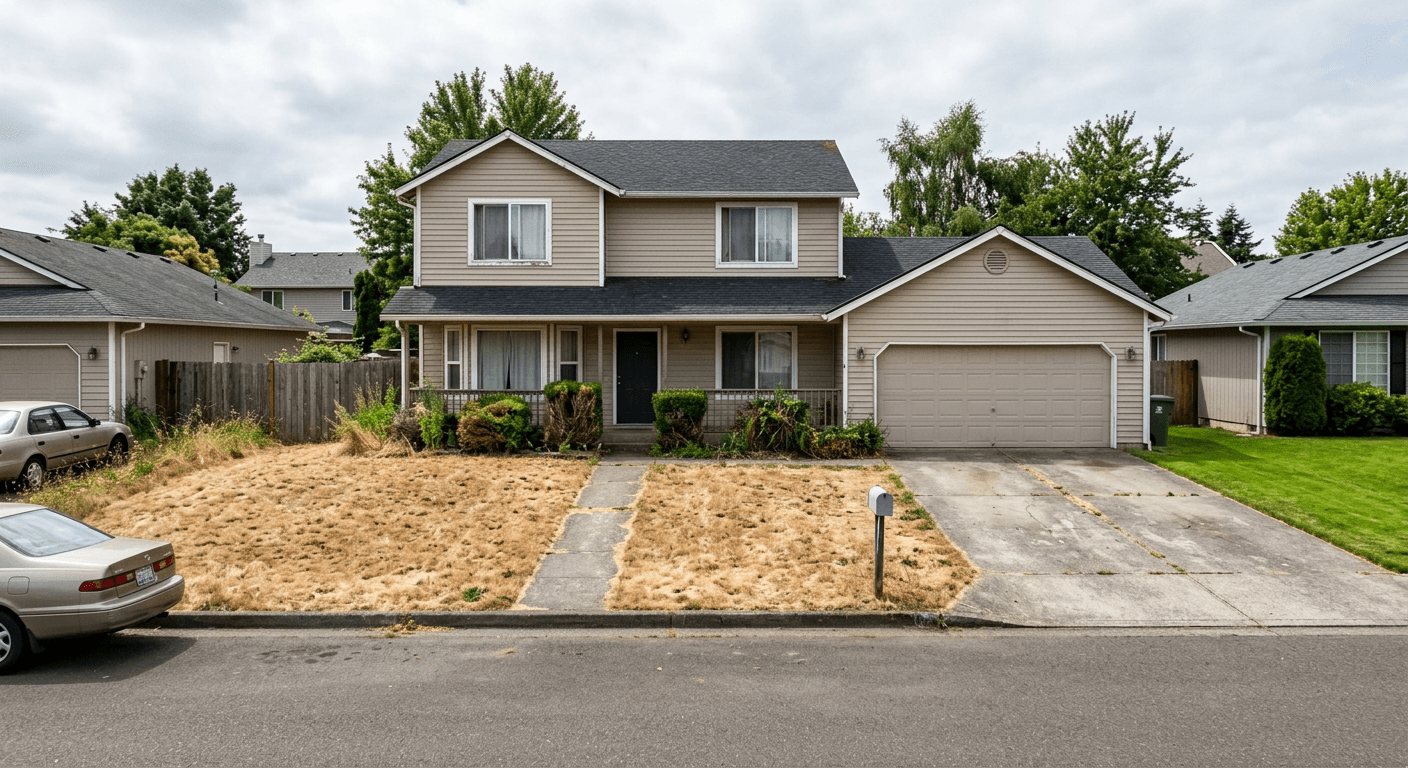
Lawn & Landscape Enhancement
Green up lawns, brighten flowers, and boost curb appeal for exteriors.
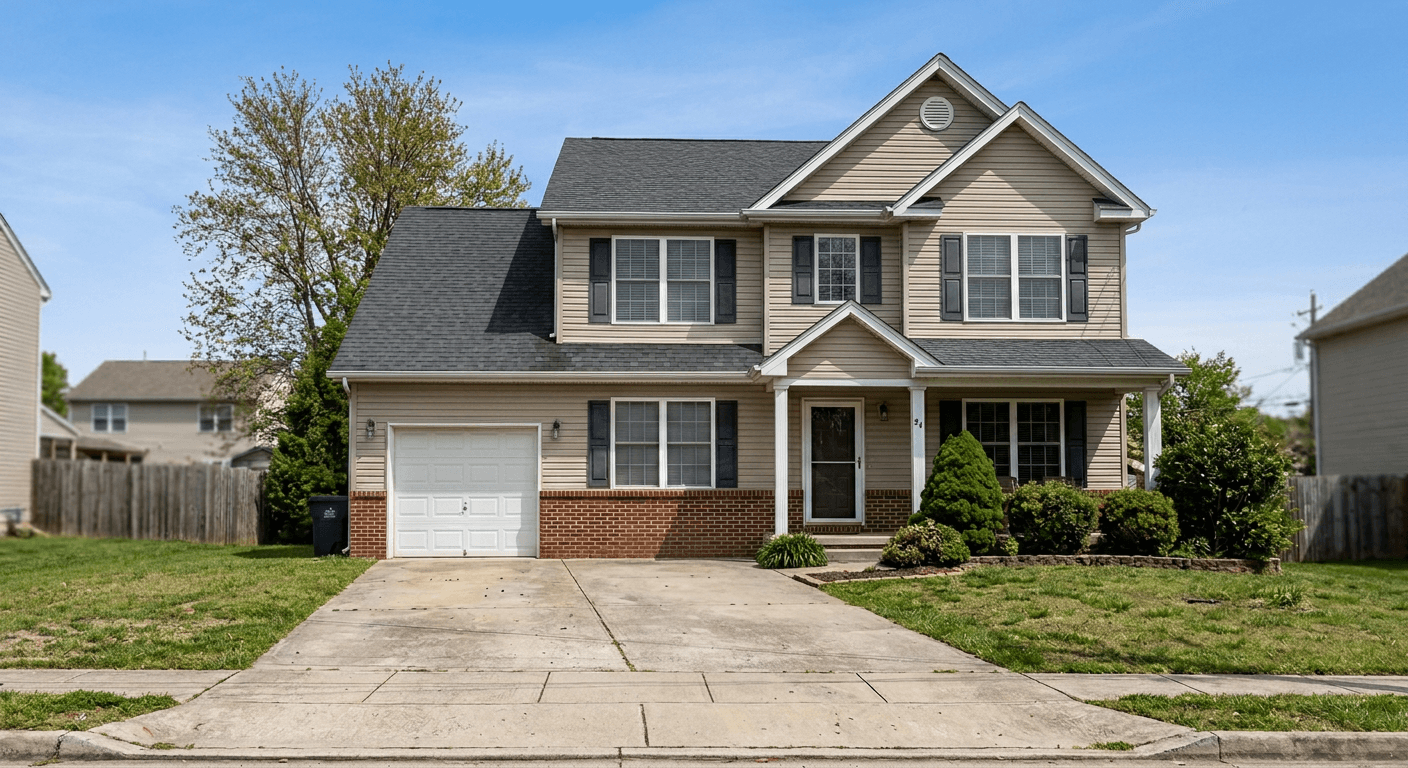
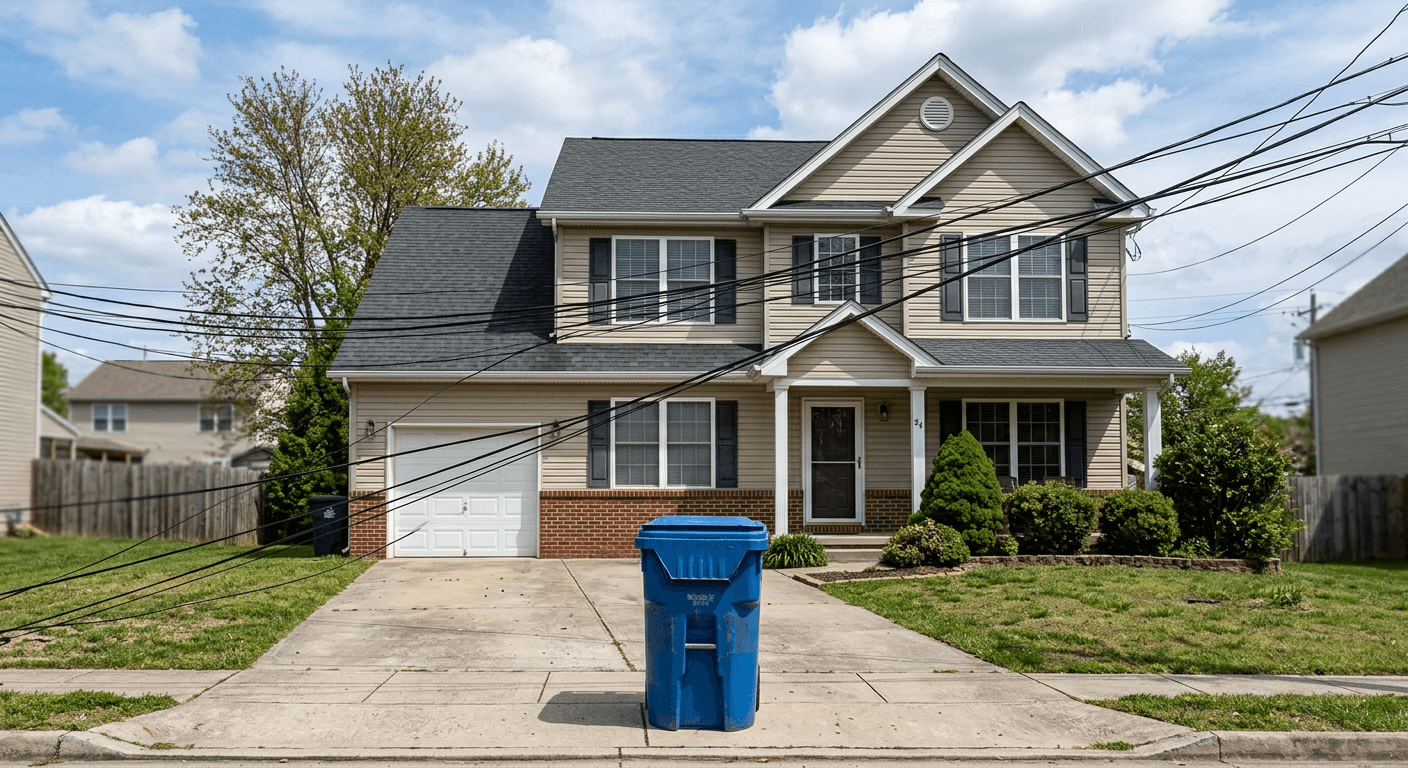
Item Removal
Remove specific unwanted objects like cars, trash cans, or power lines.


Brighten & Whiten
Create a bright, airy look with clean white walls and ceilings.
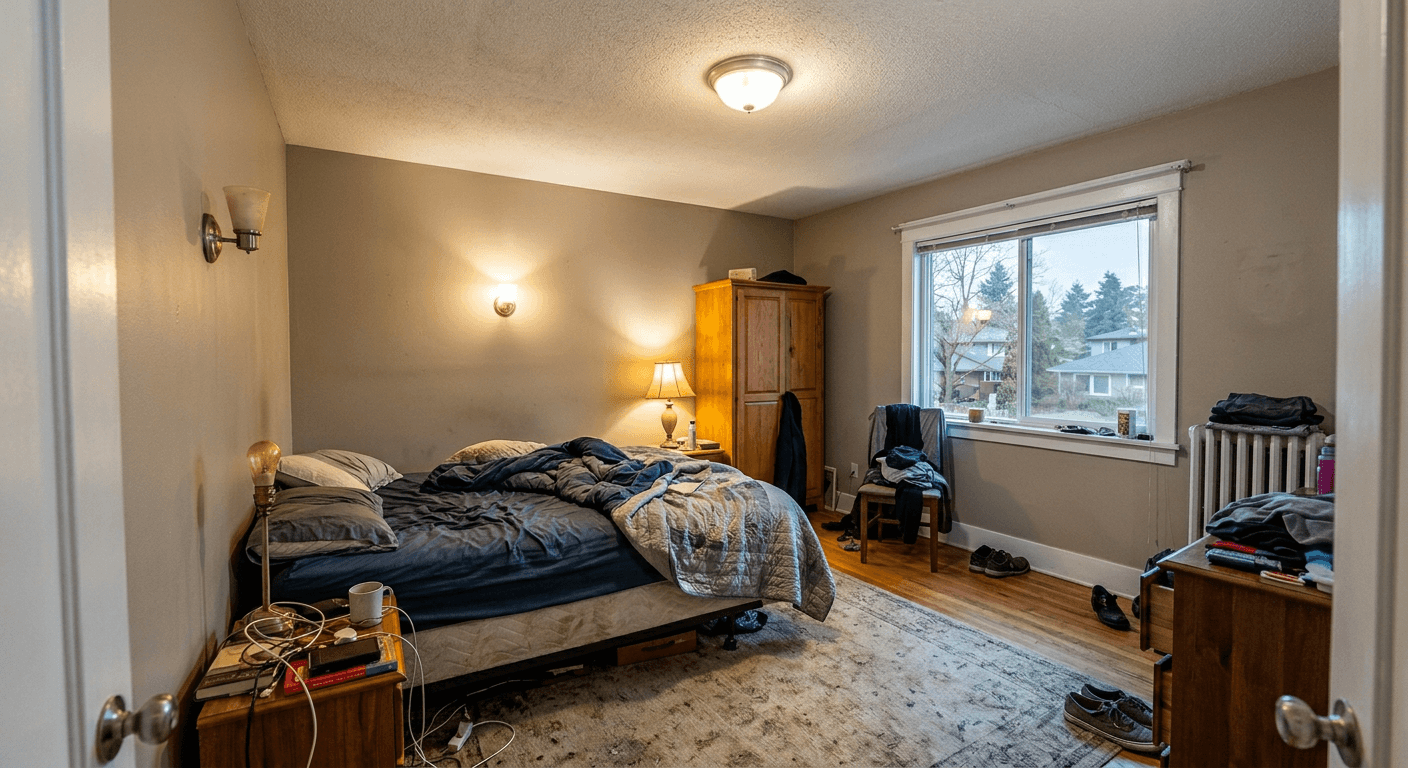

Balance Lighting
Even out lighting to eliminate harsh shadows and dark spots.
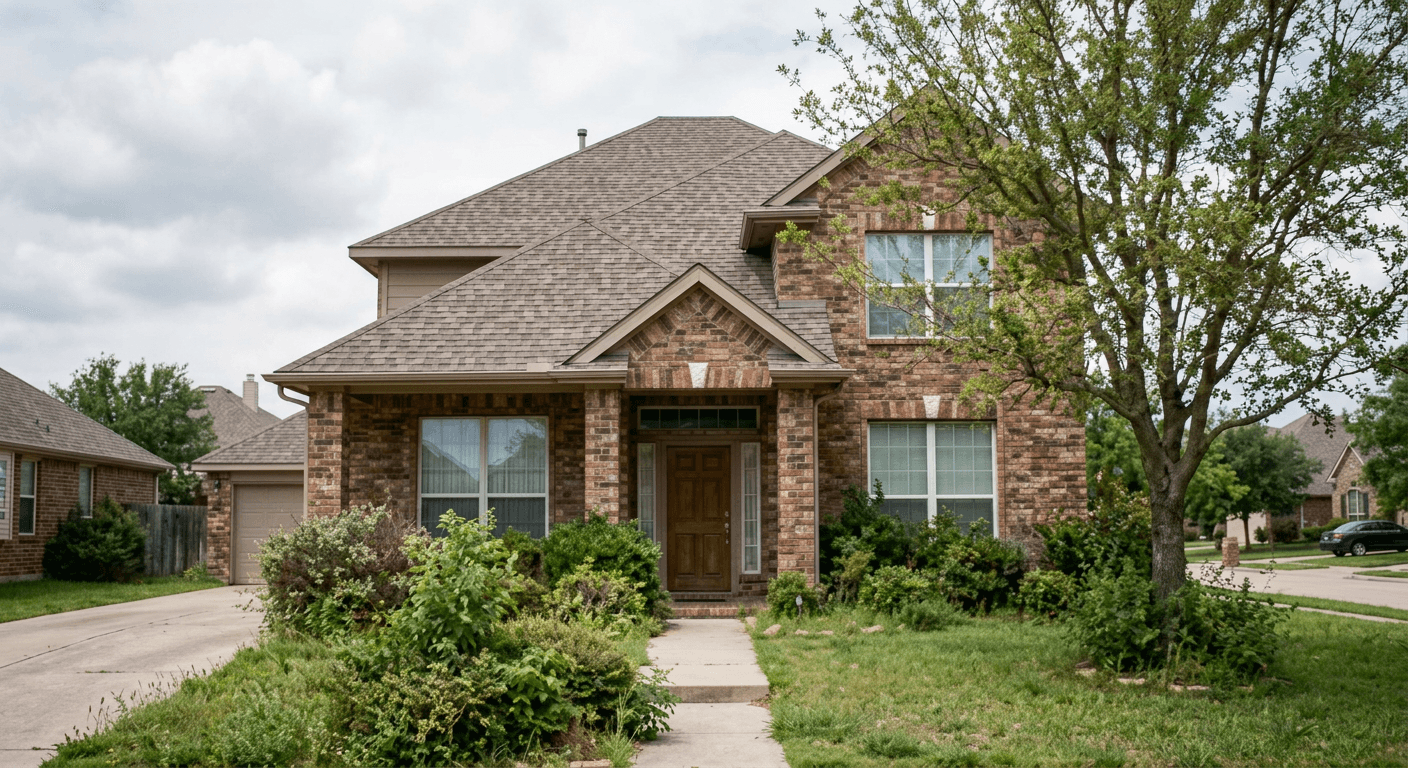

Sharpen Details
Enhance textures and make distant elements crystal clear and sharp.


Fixtures Off
Make light fixtures appear turned off for a clean, natural look.
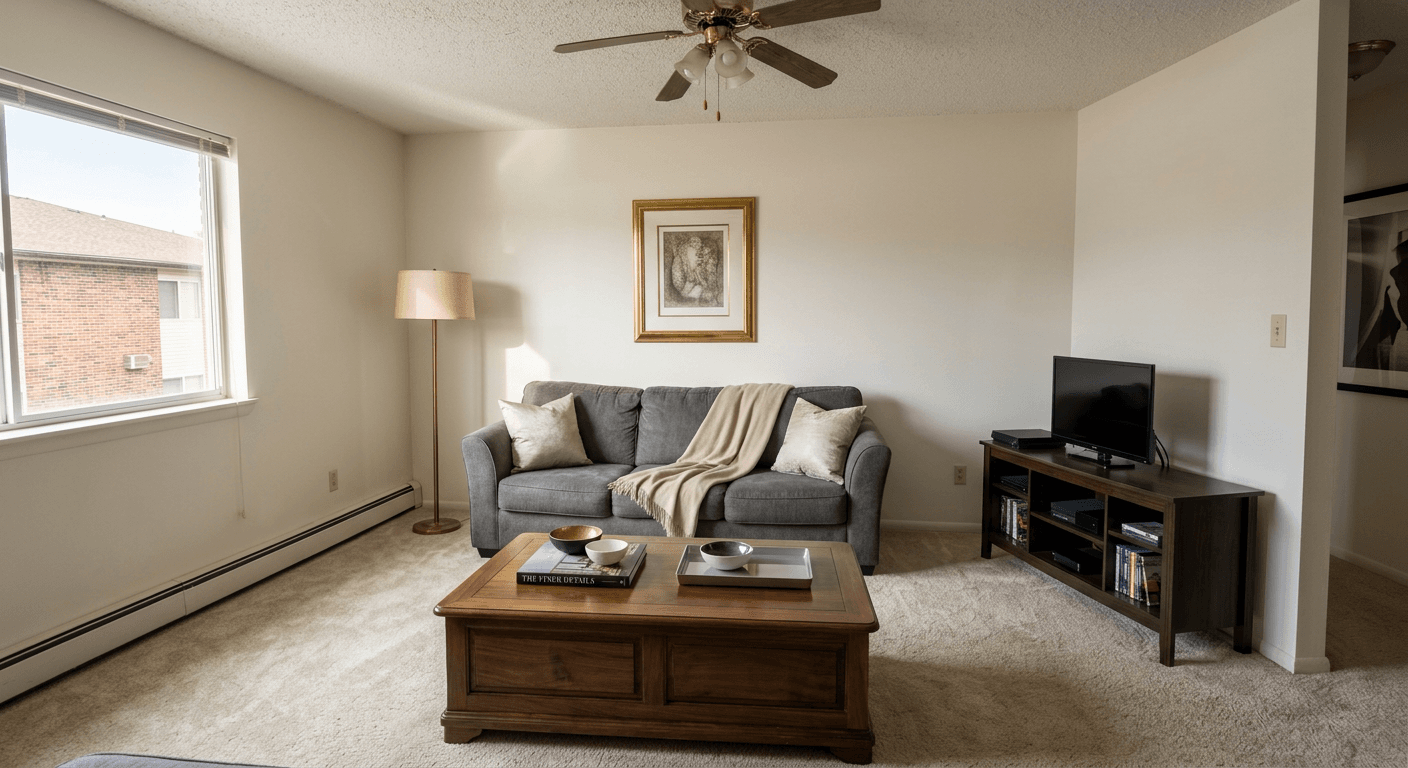
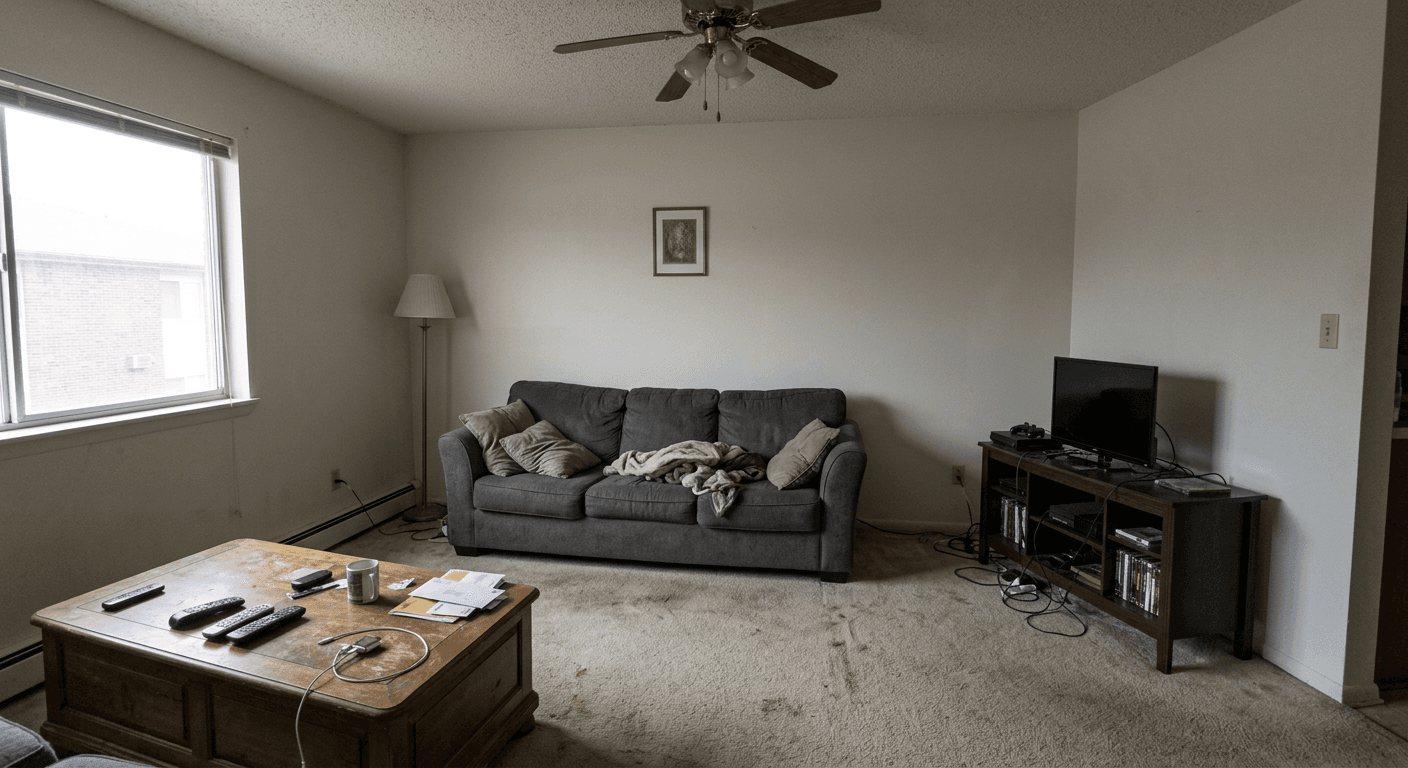
Listing Ready Finish
Apply a polished, magazine-quality finish ideal for property listings.
Professional+

Virtual Staging
Add photorealistic furniture and decor to empty rooms.
Professional+

Twilight Conversion
Transform daytime exteriors into stunning dusk scenes with warm lighting.
Professional+How It Works
Upload Photos
Drag and drop your property photos. Supports JPEG, PNG, and WebP formats.
Choose Enhancements
Select from 10 AI features or use quick presets for Exterior, Interior, Kitchen, or Bathroom shots.
Download Results
Get enhanced photos in under 60 seconds. Compare before/after and download in up to 4K resolution.
Simple, Transparent Pricing
Start free. Scale as you grow.
Subscription Plans
For real estate agents and teams with recurring needs.
Starter
100 credits/month
- ✓5 GB storage
- ✓Up to 4K resolution
- ✓11 enhancement features
- ✓No watermark
Professional
350 credits/month
- ✓25 GB storage
- ✓Up to 4K resolution
- ✓14 enhancement features
- ✓Batch processing (20 images)
- ✓No watermark
Credit Packs — No Subscription Needed
Perfect for rental hosts and one-time projects. Buy once, no watermark, credits never expire.
Starter Pack
Try before listing
10 credits
- ✓Up to 4K resolution
- ✓No watermark
- ✓Credits never expire
- ✓$0.50 per credit
Listing
1-2 properties
30 credits
- ✓Up to 4K resolution
- ✓No watermark
- ✓Credits never expire
- ✓$0.40 per credit
Multi-Property
3-5 properties
80 credits
- ✓Up to 4K resolution
- ✓No watermark
- ✓Credits never expire
- ✓$0.31 per credit
Portfolio
5+ properties
200 credits
- ✓Up to 4K resolution
- ✓No watermark
- ✓Credits never expire
- ✓$0.25 per credit
Frequently Asked Questions
Everything you need to know about credits, resolutions, and billing.
Which credits are used first — subscription or purchased?
Your monthly subscription credits are always consumed first. Purchased credit-pack credits are used only after your monthly allowance runs out. This way your one-time purchases act as a reserve that carries over between billing cycles.
What happens to my resolution when my purchased credits run out?
Credit packs unlock up to 4K resolution while you still have purchased credits remaining. Once those credits are fully used, your maximum resolution reverts to your plan's default (1K for Free Trial, 4K for all paid plans). Buying another credit pack instantly re-activates the higher resolution.
Can I use credit packs on the Free Trial?
Yes! Free Trial users can purchase any credit pack. While you have purchased credits, you get access to up to 4K resolution and 11 enhancement features (the same set included with the Starter plan). Professional-exclusive features like Virtual Staging, Twilight Conversion, and Listing Ready require a Professional or Enterprise subscription.
Do unused monthly credits roll over to the next month?
No. Monthly subscription credits reset at the start of each billing cycle. Any unused monthly credits are forfeited. Purchased credit-pack credits, however, never expire and carry over indefinitely.
What resolution can I access on each plan?
All paid plans (Starter, Professional, and Enterprise) include up to 4K resolution at no extra cost. Free Trial users are limited to 1K unless they purchase a credit pack, which temporarily unlocks up to 4K while purchased credits remain.
Can I upgrade or downgrade my subscription at any time?
Absolutely. Upgrades take effect immediately and you are only charged the prorated difference for the remainder of your billing cycle. Downgrades are scheduled to take effect at the end of your current billing period so you keep your current plan's benefits until then.
How does enhancement pricing work?
Each enhancement costs credits based on the output resolution: 1 credit for 1K (1MP), 2 credits for 2K (4MP), and 4 credits for 4K (8MP). The number of features you apply to a photo does not change the cost — only the resolution matters.
What happens if an enhancement fails?
If an enhancement fails for any reason, the credits are automatically refunded to your account. You will see a refund entry in your credit transaction history.
Are AI enhancements always perfect?
Our AI produces high-quality results the vast majority of the time, but like all AI systems it can occasionally make mistakes — minor artifacts, unexpected edits, or results that don't match your expectations. If you're not happy with an enhancement, you can simply re-run it (the AI is non-deterministic, so each attempt can produce a different result). You can also try adjusting which features you apply, or use a different source version. Credits for failed jobs are always refunded automatically.
Ready to enhance your listings?
Join thousands of real estate professionals who save hours on every listing with Showcase Snap.
Get Started Free